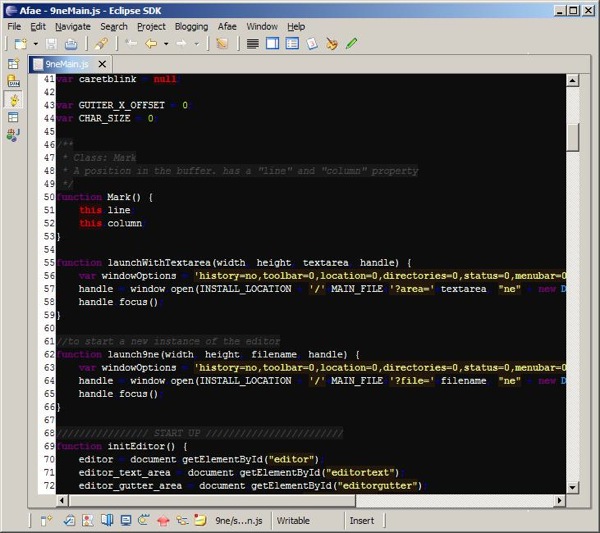
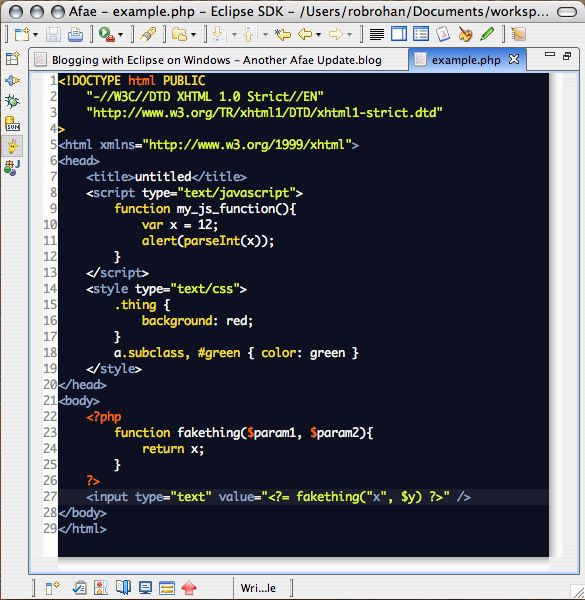
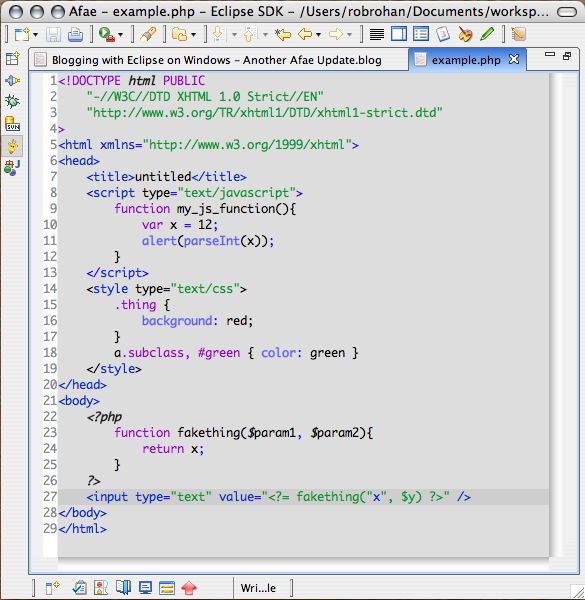
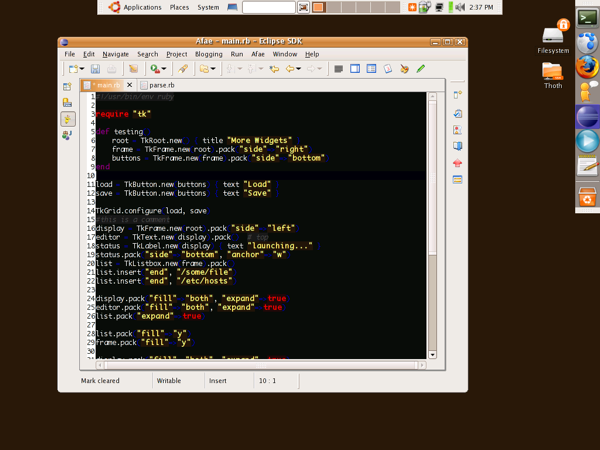
In one line: Afae's goal is to be a Textmate like editor in Eclipse.
Afae stands for Another Freebooter's All-purpose Editor. It is a group of plugins for Eclipse that do the following:
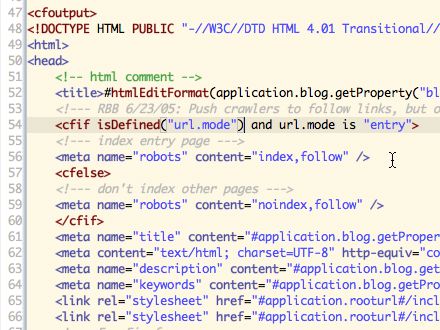
- Syntax highlighting for many types of files.
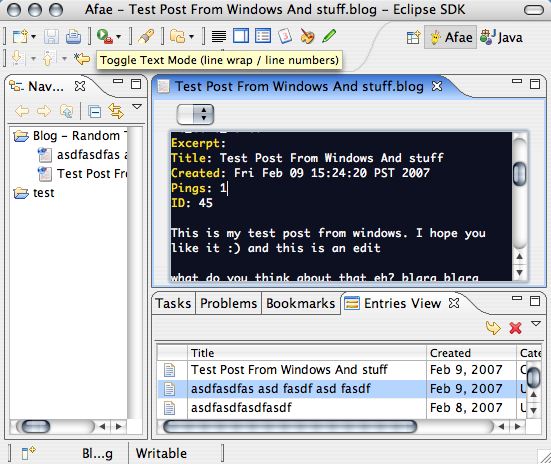
- MetaWeblog plugin for posting to your blog
- Keystroke comments
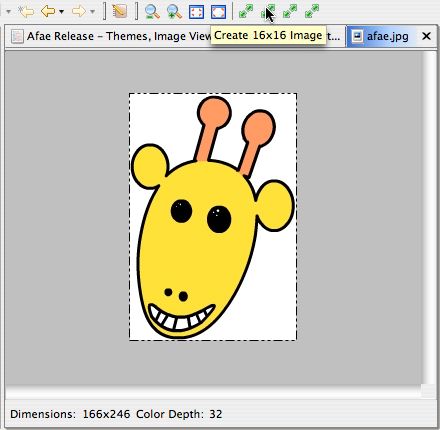
- An image viewer and basic re-sizer for GIF, JPG, ICO, and PNG
- Snippets inserter with trigger text and variable replacement.
- A while-you-edit XML DTD and XML Schema validator
- Much more...
This is the editor I've used for most applications I've written. Afae is heavily influenced by both jEdit and Textmate - both of which are fantastic editors. Aside from Xcode, TextMate, and Aquamacs this is the only development environment / editor I use.
Note: All Afae plugins now require at least Eclipse 3.2 and Java version 1.5 (aka 5.0).
Licenses & Contributors
Afae uses libraries, icons, and mode files from a lot of different places and projects. Afae would not be possible without the hard work of a lot of people. Here is a short list of some of the entities who's open source code help make Afae possible:
It should be noted that none of these entities endorse Afae (except for my name of course). Their names appear here only for attribution.
Rob Rohan, Stephen Milligan, Oliver Tupman, IBM Corporation, Klaus Hartlage, Sebastian Davids, Christopher Lenz, Chris Grindstaff, The Apache Software Foundation, David Vignoni (icons), Everaldo Coelho (icons), Chengdong Li, Jef Poskanzer, Mark Drew, Ben Glazer (mode file), Andre Kaplan (mode file), Kris Kopicki (mode file), Marc Rummel (mode file), Helge Böhme (mode file), Kristian Ovaska (mode file), Matthias Schneider (mode file), Mirco Bova (mode file), Nils Krahnstoever (mode file), Slava Pestov (mode file), Artur Biesiadowski (mode file), Mike Dillon (mode file), Juha Lindfors (mode file), Will Sargent (mode file), Ingmar Stein (mode file), Marcio Marchini (mode file), Rick Beton (mode file), Lionel Fiol (mode file), Barry Carr (mode file), Ralf Engels (mode file), Romain Guy (mode file), Jan Schaefer (mode file), Patrick Tingen (mode file), Giulio Piancastelli (mode file), Ed Stewart (mode file), Jonathan Revusky (mode file), Ian Maclean (mode file), Will Sargent (mode file), Richard F. Ashwell III (mode file), Michael Jacobson (mode file), Wojciech Stryjewski (mode file), Dante Fabrizio (mode file), Nitsan Vardi (mode file), Ron Stewart (mode file)
By downloading and installing the following plugins, you are agreeing to the following terms:
- Afae Editor License
- Afae Blogger License
- Afae Image Viewer License
- Afae Snippets License
- Afae Xml Compiler License
Help
- How to Add a language in Afae
- How to go about Using Snippet Variables
- What are the Supported File Types
- All you ever wanted to know about the Syntax Files
- Afae's Minimum System Requirements
- Using Afae With Model Glue
Source
To get the Afae source, you'll need to use the Git version control system. The source code for all the plugins can be found on Github.com
Screenshots